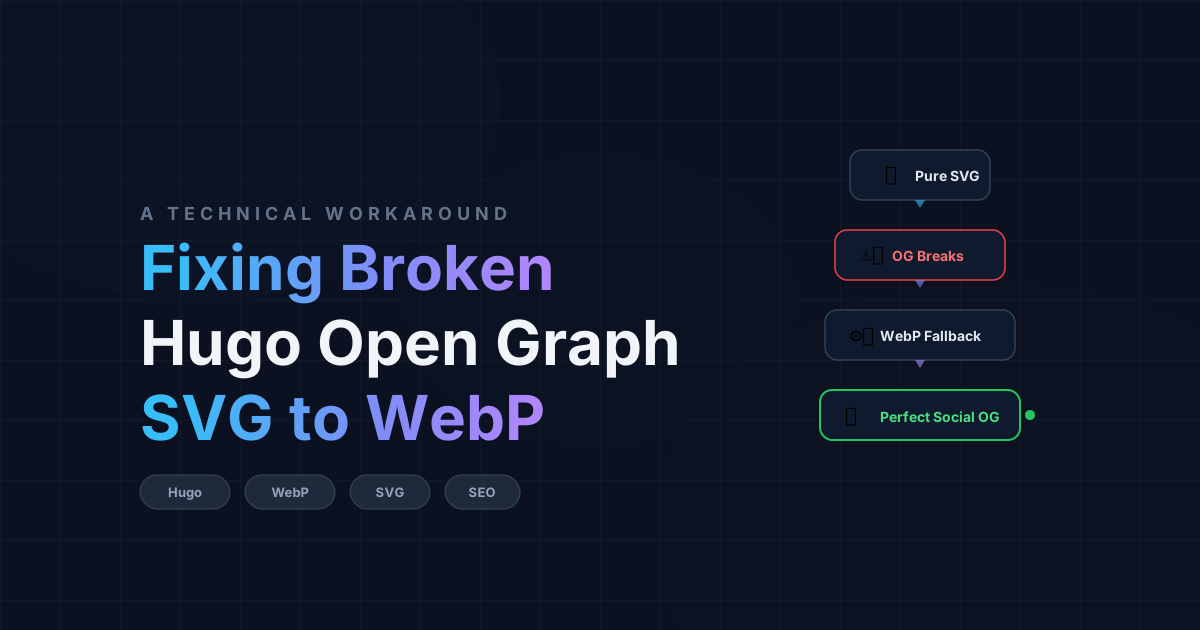

Vector graphics (SVGs) are the holy grail of modern web design. They render with pixel-perfect clarity on any screen size, maintain incredibly small file sizes, and can be styled with CSS. However, if you rely on SVGs for your website’s featured images, you’ll quickly run into a frustrating problem: they completely break Open Graph (OG) social media previews.
When you share a link on LinkedIn, Twitter, or WhatsApp, their scrapers look for a rasterized image to display in the preview card. Unfortunately, none of these platforms support SVG files for Open Graph images. The result? A broken or missing preview card that severely hurts your click-through rate.
Here is the exact engineering solution I implemented to fix this on my Hugo website (using the Blowfish theme).
1. Why WebP for Social Fallbacks?#
The obvious solution to the SVG problem is to provide a rasterized fallback image (like a PNG or JPEG). However, standard lossy image compression often introduces ugly color banding and blurriness around sharp text, ruining the premium feel of the vector original.
WebP is a modern image format that provides superior compression with two modes:
- Lossless WebP (
cwebp -lossless): Preserves exact pixel clarity, zero quality loss. For this blog post, a metadata-stripped PNG went from 135 KB to 87 KB as a lossless WebP — a 35% reduction. - Lossy WebP (
cwebp -q 90): Near-identical visual quality with dramatically smaller files. The same image compressed to just ~30 KB — a 78% reduction from PNG — while remaining visually indistinguishable from the original.
Both lossless and lossy WebP are fully supported across all major social media scrapers (Twitter, LinkedIn, Facebook, WhatsApp). I recommend lossy WebP at quality 90 for social fallbacks simply because the file size savings are massive and there is no visible quality difference for OG preview cards.
Format Comparison for Open Graph Fallbacks#
| Feature | PNG | Lossless WebP (-lossless) | Lossy WebP (-q 90) |
|---|---|---|---|
| Social Platform Support | ✅ Universal | ✅ Fully Supported | ✅ Fully Supported |
| File Size | ~135 KB | ~87 KB (~35% smaller) | ~30 KB (~78% smaller) |
| Quality | Lossless | Lossless | Crisp (Indistinguishable) |
| Best For | Archival assets | Internal site images | Social media preview cards |
When to Use Which#
Lossy WebP (-q 90) is the smart choice for Open Graph social fallbacks. Social platforms downscale, re-compress, and cache your image anyway — pixel-perfect fidelity is wasted on a preview card that renders at thumbnail size in a feed. The ~78% file size savings over PNG means faster scraper fetches and snappier link previews.
Lossless WebP (-lossless) is better for images displayed inside your blog post (screenshots, diagrams, code snippets) where readers zoom in and sharp text matters. The extra kilobytes are worth it when the image is the content itself, not just a social thumbnail.
To generate a crisp WebP social fallback, strip EXIF metadata using exiftool and convert with cwebp:
# Step 1: Strip all EXIF metadata from the rasterized PNG
exiftool -all= -overwrite_original input.png

# Step 2: Convert to WebP (lossy q=90 for optimal size)
cwebp -q 90 input.png -o social-fallback.webp
Important: Most social media platforms require OG images to be at least 1200×630 pixels. Make sure your rasterized source image is rendered at this resolution before converting to WebP.
Note: If you want to automate this conversion pipeline, check out my deep-dive Ultimate Guide to Automating SVG Rasterization to see a rendering compatibility comparison of the best command-line tools for the job.
2. The Hugo vs. Blowfish Conflict#
Now that we have our crisp fallback image, we need to tell Hugo to use it for Open Graph tags, while still using featured.svg for the actual website layout.
This is where things get tricky, especially if you are using a feature-rich theme like Blowfish.
Blowfish automatically searches for images in your page bundle using greedy wildcards (like *feature* or *cover*). If you name your fallback image featured.webp alongside your featured.svg, the theme’s logic might accidentally prioritize the WebP image and render it on your webpage instead of the SVG!
3. The “Social Fallback” Solution#
To solve this conflict, we need a two-step approach that “blinds” the theme from accidentally using the fallback image on the frontend, while explicitly feeding it to the SEO scrapers.
Step 1: Rename the fallback image.
Instead of naming it featured.webp, name it something the theme’s wildcard search won’t catch, such as social-fallback.webp.
Step 2: Explicitly define the image in Front Matter.
In your Hugo blog post’s Markdown file, use the images array in the YAML front matter to explicitly point the Open Graph templates to this specific file.
---
title: "Your Awesome Blog Post"
date: 2026-07-19
images: ["social-fallback.webp"]
---
The Result#
With this setup:
- Your website’s frontend continues to perfectly render the crisp, lightweight
featured.svg. - Hugo’s built-in SEO templates generate
<meta property="og:image" content=".../social-fallback.webp">and<meta name="twitter:image" content=".../social-fallback.webp">in the<head>of your HTML. - When shared on LinkedIn, Twitter, Facebook, or WhatsApp, scrapers pull the lightweight 30 KB WebP image.
You get the best of both worlds: vector rendering on your site and pristine, fast-loading social media preview cards.
4. Verification Across Platforms#
After deploying changes, verify that the og:image and twitter:image tags are being picked up correctly. Here is how each platform rendered the WebP preview card for this blog:
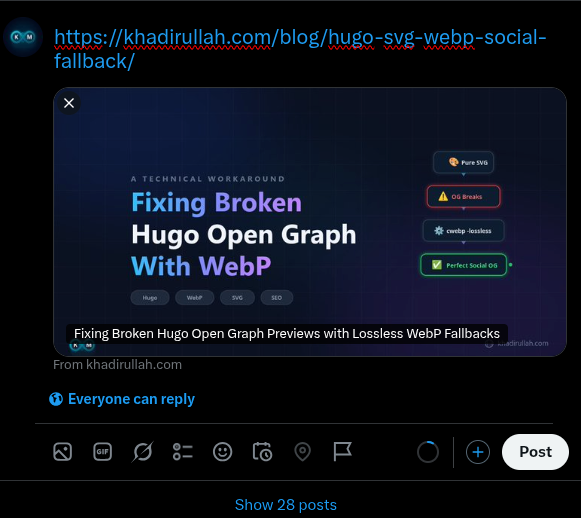
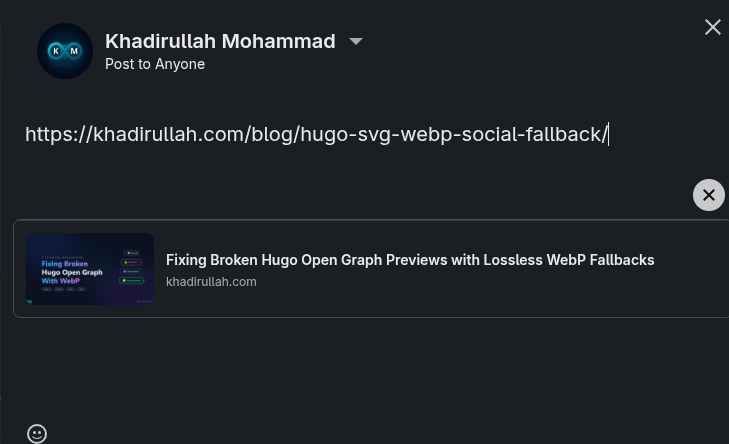
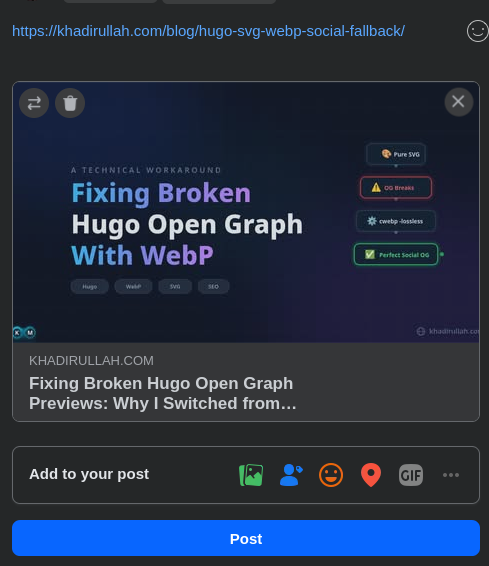
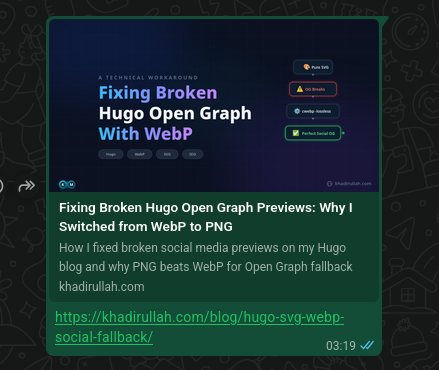
All four platforms rendered the WebP fallback perfectly.
Tip: If any platform shows a stale or missing image, try appending a dummy query parameter (e.g.
?v=2) to your URL to force a fresh crawl. Social platform scrapers cache aggressively, and stale cache is the most common reason for previews appearing broken.
Summary Checklist#
- Use WebP for Open Graph social fallbacks — lossy
-q 90gives ~78% file size savings over PNG with no visible quality loss. - Name the file
social-fallback.webpto avoid Blowfish theme resource matching collisions withfeatured.svg. - Add
images: ["social-fallback.webp"]to your YAML front matter to feed Hugo SEO templates. - Always cache-bust when testing — append
?v=2to your URL to force scrapers to re-fetch.